

Table of Contents
ToggleIntroduction: The Real Problem Isn’t Always Hosting
If your website feels slow, the first thing that comes to mind is usually this — “My hosting is not good enough.”
Many people using shared hosting believe that slow speed means they must upgrade to VPS or cloud hosting. That assumption leads to unnecessary expenses.
But here’s the truth: in most cases, the problem is not the hosting. It’s how the website is built and managed.
This guide will help you understand why your shared hosting slow website issue happens and how you can fix it without upgrading your plan.
Understanding Shared Hosting Speed Before Blaming It
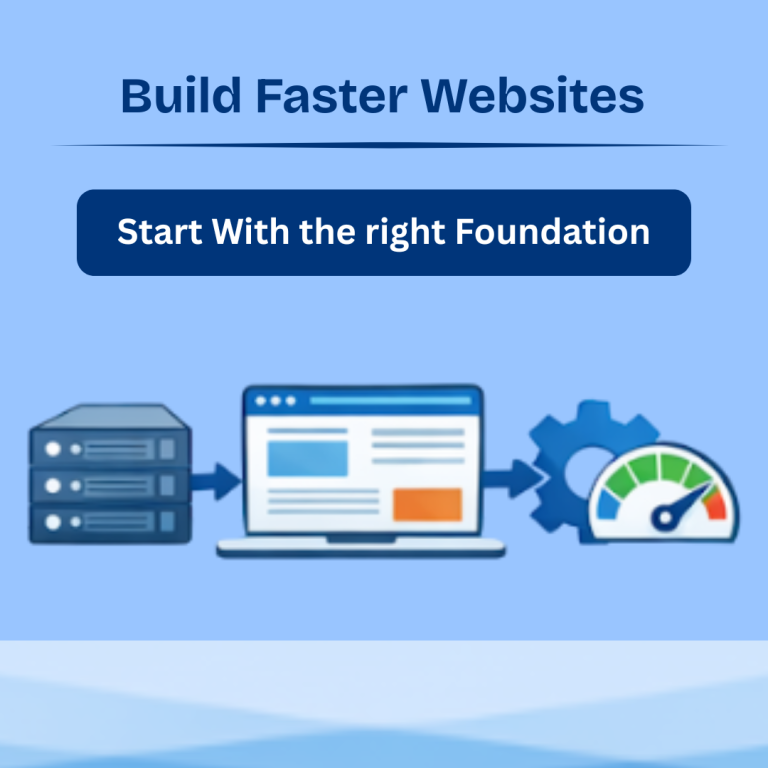
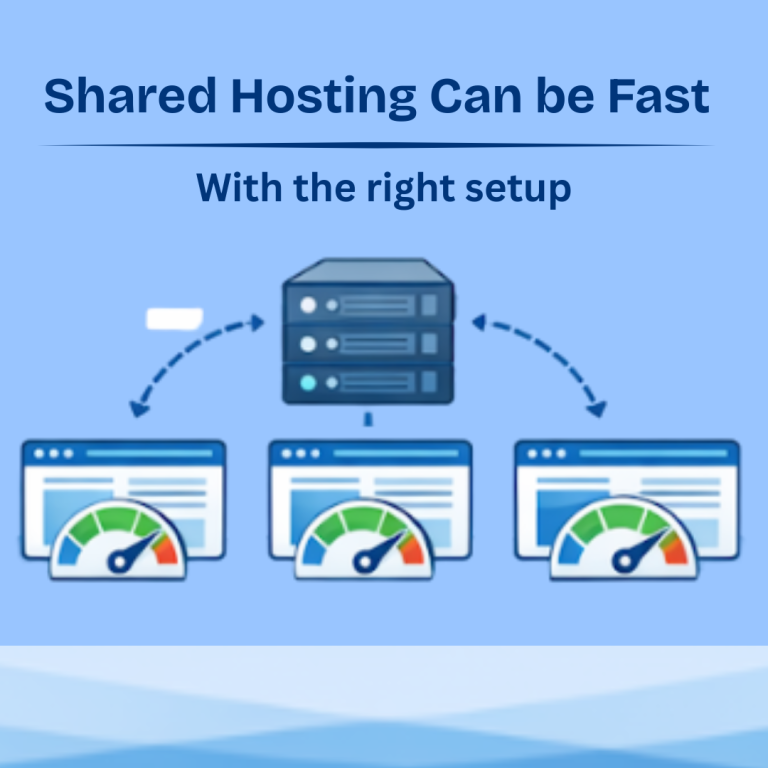
Shared hosting works by placing multiple websites on the same server. That’s why it is affordable and beginner-friendly.
However, modern shared hosting is optimized to handle normal website traffic smoothly. It includes SSD or NVMe storage, server-level caching, and resource control.
This means shared hosting is capable of delivering good performance — if your website is optimized properly.
Many slow websites are actually slow because of internal issues, not server limitations.
If you want a deeper understanding, check our guide on shared hosting speed explained to see how performance actually works.
Common Reasons Why Your Website Is Slow on Shared Hosting
Let’s break down the real causes.
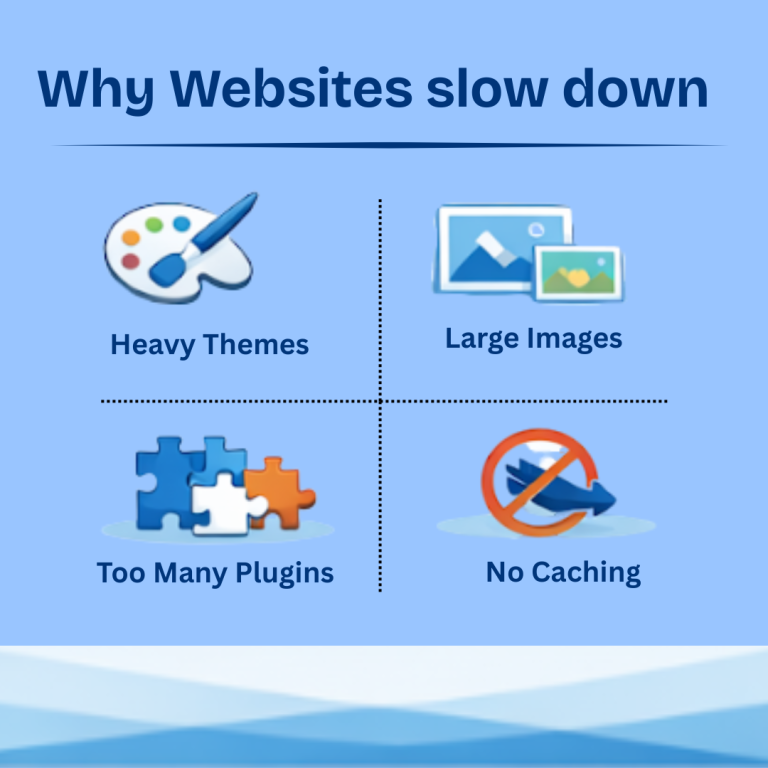
Heavy Themes That Look Good but Perform Poorly
Many beginners choose themes based on design instead of performance.
These themes often include:
- unnecessary animations
- large scripts
- complex layouts
They make your website look attractive but increase load time significantly.
A simple, lightweight theme usually performs much better.
Too Many Plugins Slowing Everything Down
Plugins add functionality, but too many plugins can overload your website.
Each plugin:
- loads scripts
- adds database queries
- increases server usage
Instead of improving your site, it ends up slowing it down.
A well-optimized website usually runs smoothly with fewer plugins.
Large Images That Are Not Optimized
Images are one of the biggest reasons for slow websites.
Uploading high-resolution images without compression increases page size and loading time.
Many websites load slowly simply because images are too large.
No Caching Enabled
Caching helps your website load faster by storing ready-made versions of pages.
Without caching:
- the server processes every request again
- load time increases
With caching enabled, your website becomes significantly faster.
Outdated PHP Version and Software
Running outdated versions of PHP or CMS platforms can affect speed and performance.
Newer versions are:
- faster
- more secure
- more efficient
Keeping everything updated improves performance instantly.
How to Fix a Slow Website on Shared Hosting (Without Upgrading)?
Now comes the practical part — solutions.
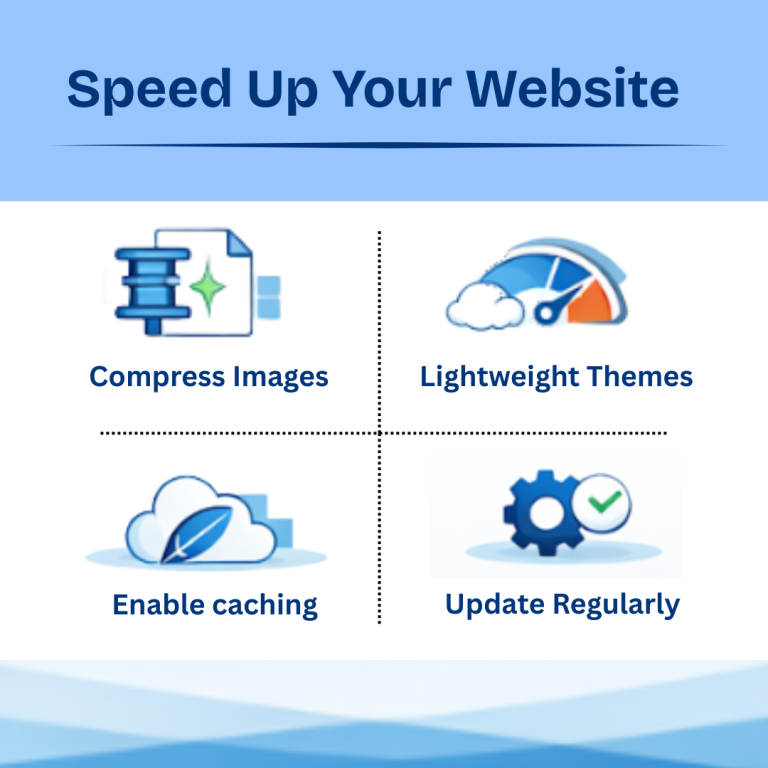
Optimize Your Images Before Uploading
Always compress images before uploading them to your website.
Use formats like:
- WebP
- compressed JPEG
Smaller images load faster and reduce server load.
Use Lightweight Themes Designed for Speed
Choose themes that focus on performance instead of heavy design.
Lightweight themes:
- load faster
- reduce server requests
- improve user experience
A simple design often performs better than a complex one.
Limit Plugins to Only What You Need
Remove unnecessary plugins and keep only essential ones.
Instead of adding multiple plugins for small features, use combined or optimized solutions.
Fewer plugins mean better performance.
Enable Caching for Instant Speed Boost
Caching plugins can dramatically improve website speed.
They reduce server load and help pages load faster for users.
Even on shared hosting, caching makes a noticeable difference.
Use a Content Delivery Network (CDN)
A CDN stores your website content on multiple servers worldwide.
This helps:
- faster loading for users in different locations
- reduced server load
Even basic CDN services can improve performance.
Keep Everything Updated
Regular updates improve:
- speed
- compatibility
- security
Always update:
- WordPress core
- plugins
- themes
When Shared Hosting Is Actually Not the Problem?
Many users assume slow speed means bad hosting.
But if your website:
- has heavy design
- uses too many plugins
- loads large files
then even premium hosting won’t fix the issue completely.
Fixing your website structure should always come before upgrading hosting.
When You Should Actually Consider Upgrading?
Upgrading makes sense only when:
- traffic is consistently high
- performance issues continue after optimization
- your website becomes resource-heavy
If your website is still growing, shared hosting is more than sufficient.
Before upgrading, it’s important to choose the right shared hosting plan based on your website needs.
How HostitBro Shared Hosting Supports Better Performance?
HostitBro shared hosting is designed for balanced performance and affordability.
It includes:
- NVMe SSD storage
- optimized server setup
- WordPress compatibility
- beginner-friendly management
With proper optimization, shared hosting can deliver excellent speed without increasing your costs.
Conclusion: Fix Before You Upgrade
A slow website can be frustrating, but upgrading hosting is not always the solution.
In most cases, improving your website setup can solve the problem effectively.
Focus on:
- optimization
- simplicity
- proper management
Shared hosting is not slow by default — it just needs to be used correctly.
Build Your Website with the Right Hosting Solution
If you’re starting a website or struggling with performance, the right hosting setup makes a big difference. Choose a hosting solution that balances speed, affordability, and ease of use.
Explore reliable and beginner-friendly hosting options at Hostitbro
and build your website with confidence.